
Job Presentation

Suggest vacancies, candidates respond with one click

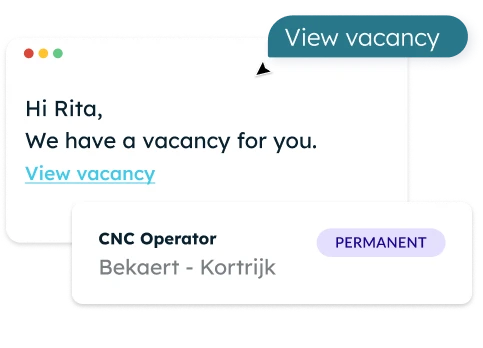
Select candidates in your ATS and the proposal is sent automatically. Responding takes just one click.

The right vacancy comes to the candidate
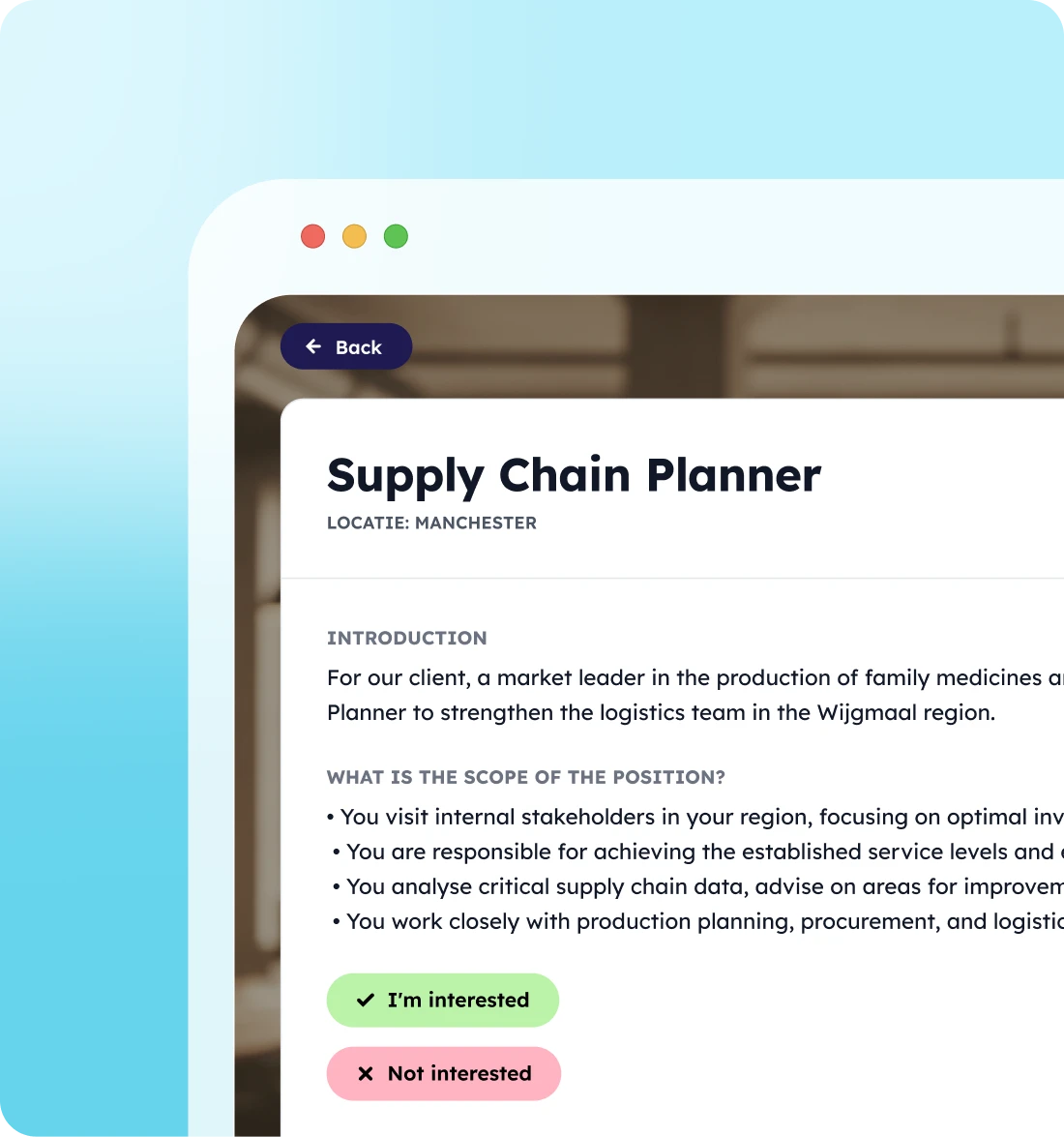
No endless scrolling or searching, and no portal to log into. Through a secure autologin, the candidate immediately sees the suggested vacancy.

Receive tailored job openings

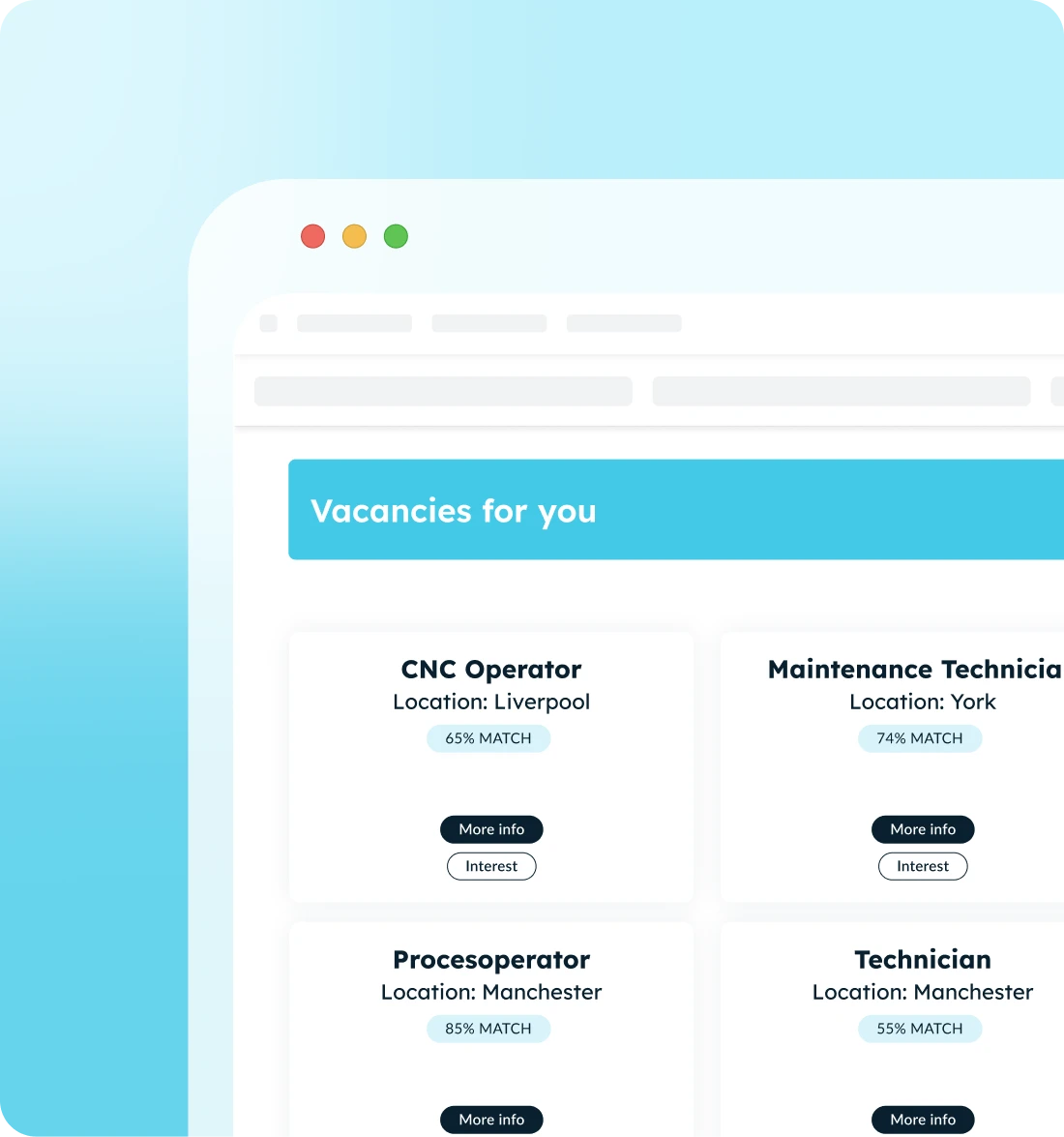
Only vacancies that truly match their profile and interests.

Respond without the hassle

Show interest or apply with a single click. As easy as social media.

No login required

One touch of a button via a secure autologin link.

From a dormant talent pool to rapid applications
How recruiters use Job Presentations

  • Reactivate your talent pool

    Does a suitable vacancy open up? Candidates in your talent pool are automatically presented with it and are back on your recruiters' radar with a single click.

  • Get more applications with less effort

    Every match in your ATS is automatically sent out as a proposal. No need to draft emails, and you get a higher response rate because the candidate is already engaged.

  • Offer a more personal candidate experience

    Candidates only receive job openings that match their profile and interests. The right vacancy comes to them, in your brand style.
Customize

Everything for a strong job proposal

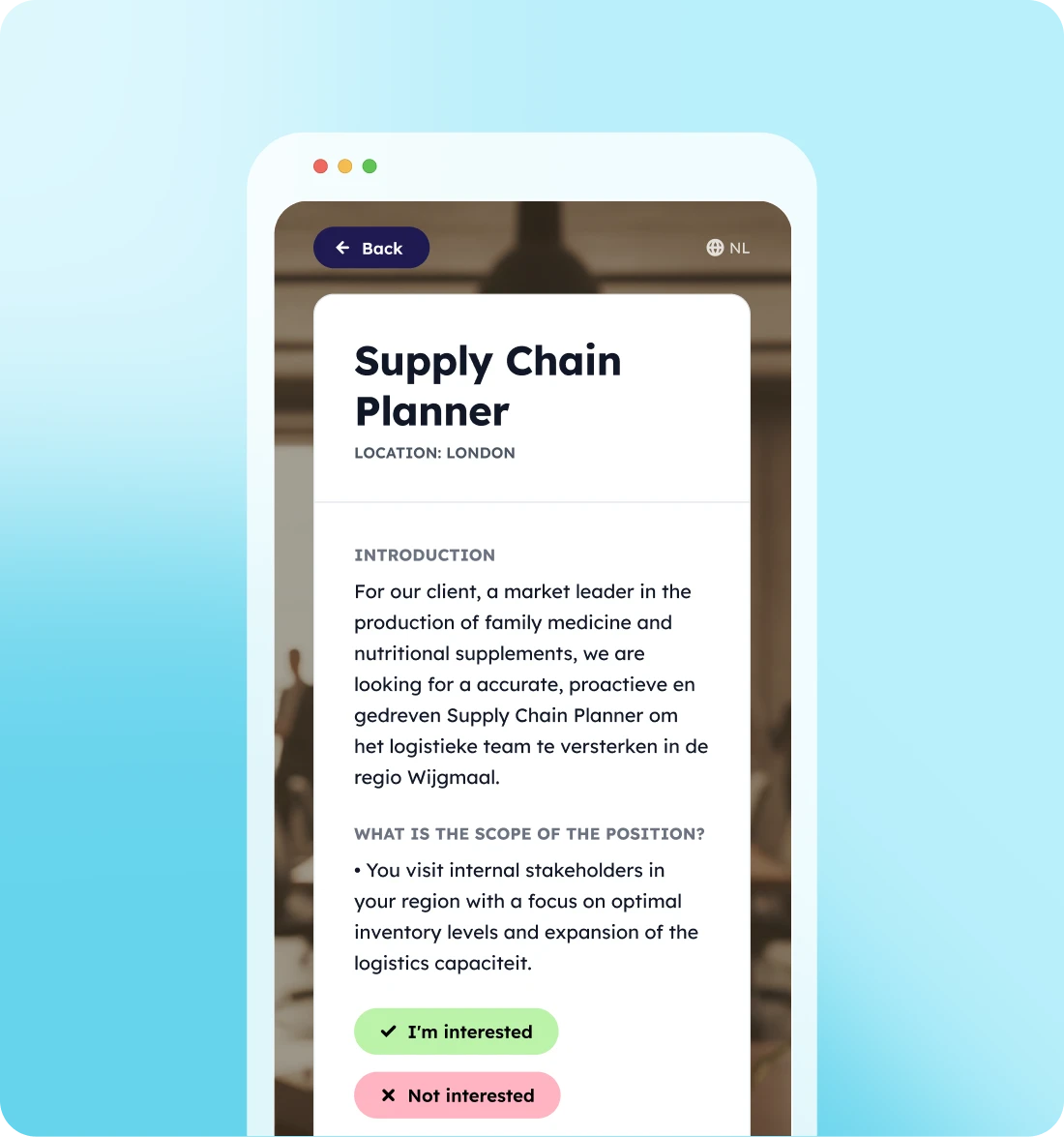
  • Approve or reject with one click, match stage updated automatically
  • Personalized proposals based on profile and interests
  • Prebuilt app: select, personalize, and connect your ATS
  • Everything automatically synced to and from your ATS
  • Your own branding, on mobile and desktop
How it works

From match to response in three steps
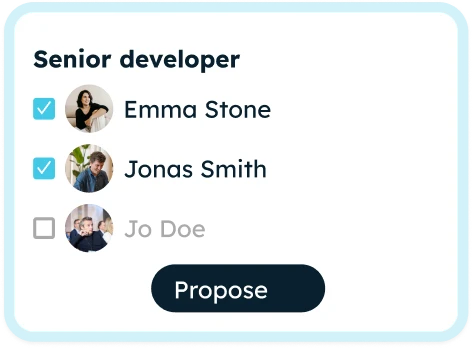
Every time you match a candidate, the proposal is sent out automatically.
Step 1

Match a candidate in your ATS

Indicate the suitable candidates for each vacancy. That is all you need to do.
Step 2

The candidate automatically receives an email

With a unique link to the proposed vacancy, in your brand style.
Step 3

Response directly in your ATS

Approved or rejected: the match phase is updated automatically, and you continue your selection.
The benefits at a glance

What you gain with Vacancy Presentation

Better response for you, a smoother experience for your candidates.

Quick setup

From selection to launch in three steps, with no development required.

White-label

Your fonts, colors, logo, and images. It feels like your own channel.

Always connected

Everything the candidate does is automatically synced to the ATS. No double work.
Discover our other solutions

Get started right away with app templates
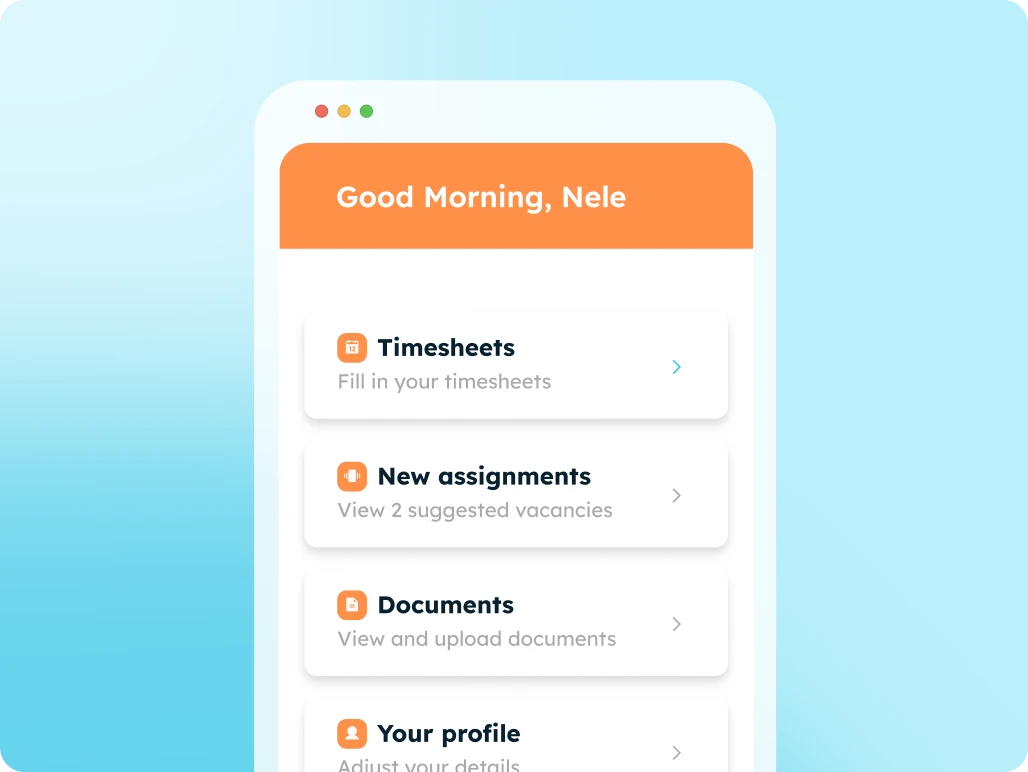
Candidate Portal

Digitize all your communication and administration with candidates using an all-in-one candidate portal.
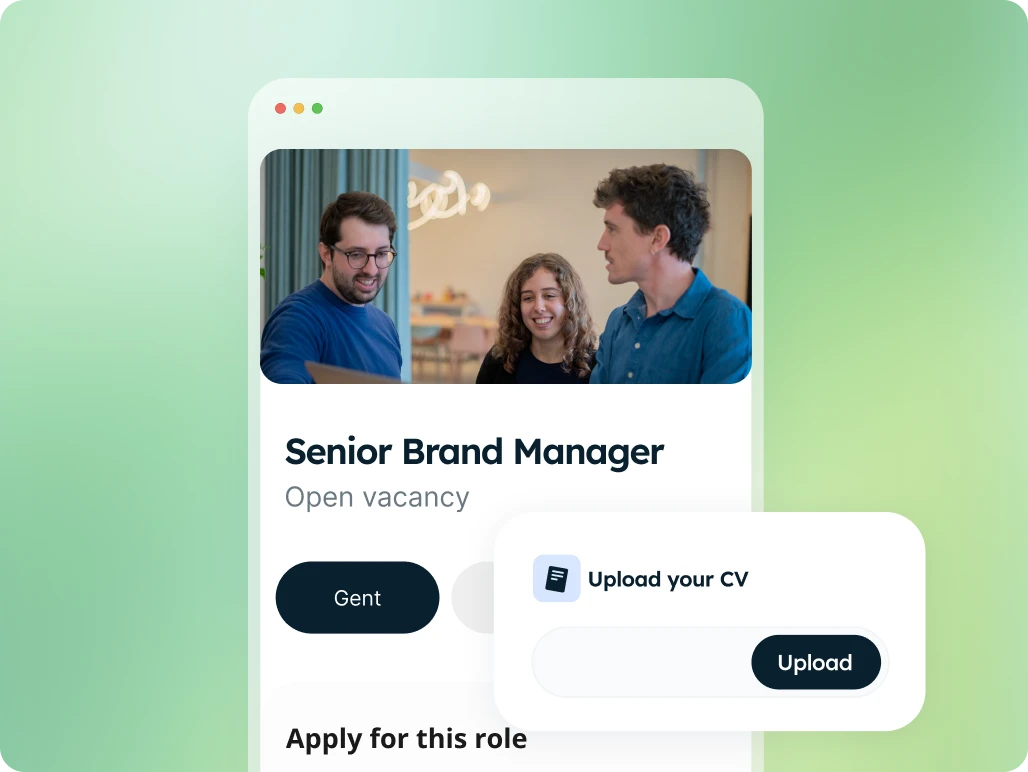
Apply Page

High-converting job application pages with integrated forms, linked directly to your ATS.
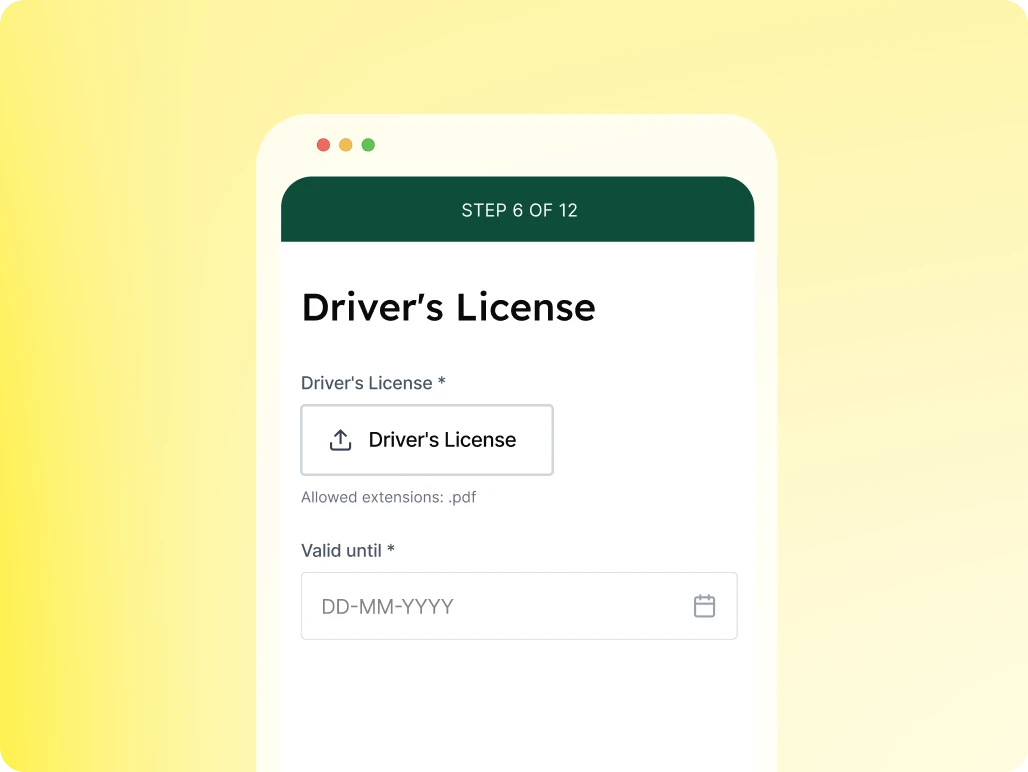
Profile Enrichment Flow

Automate specific questions for candidates to keep your database up to date.

Client Portal

Accelerate your communication and administration with an all-in-one client portal.
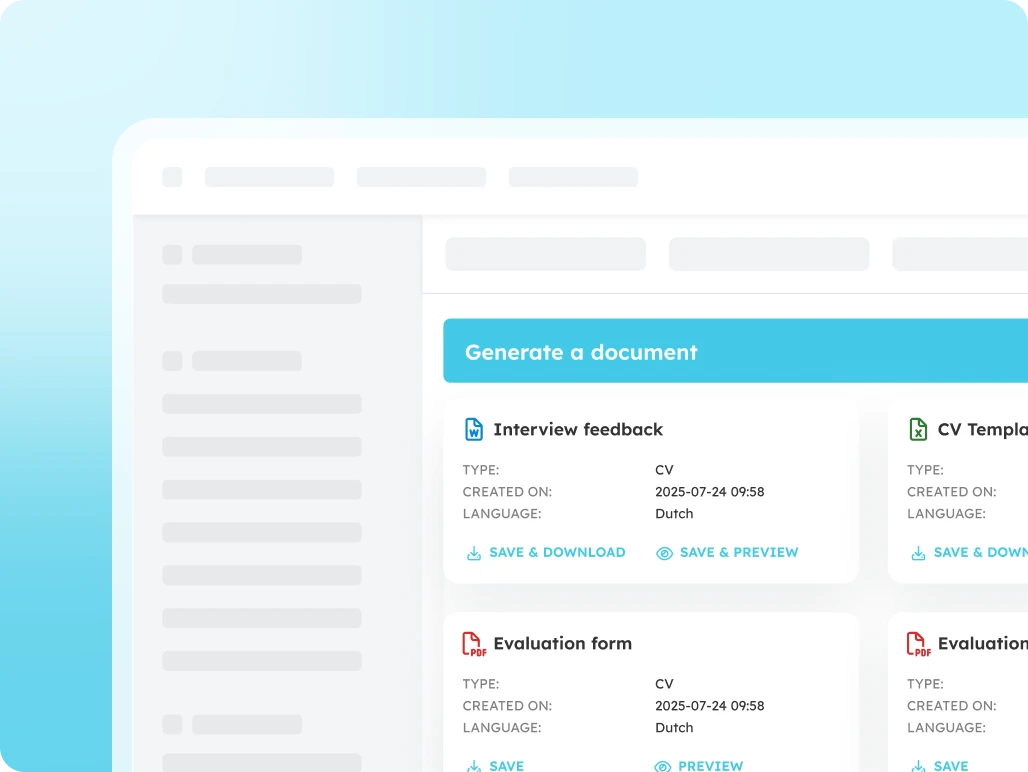
Document Generator

Generate error-free documents directly within your ATS.
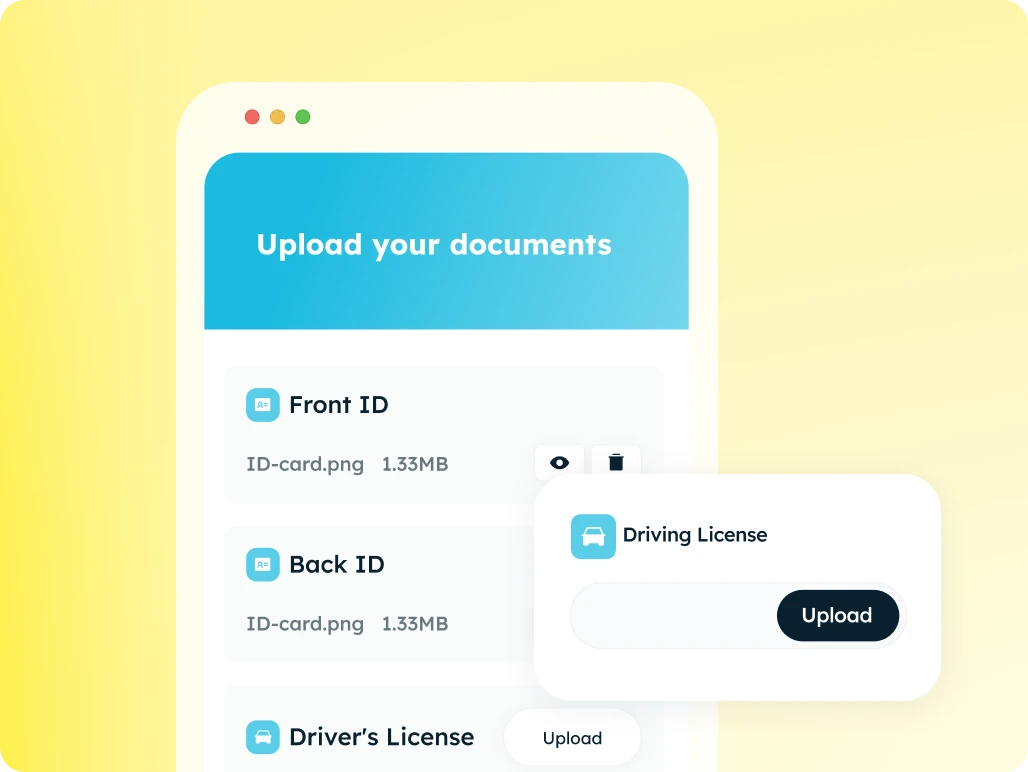
Document Request Flow

The fastest and most secure way to collect documents automatically.
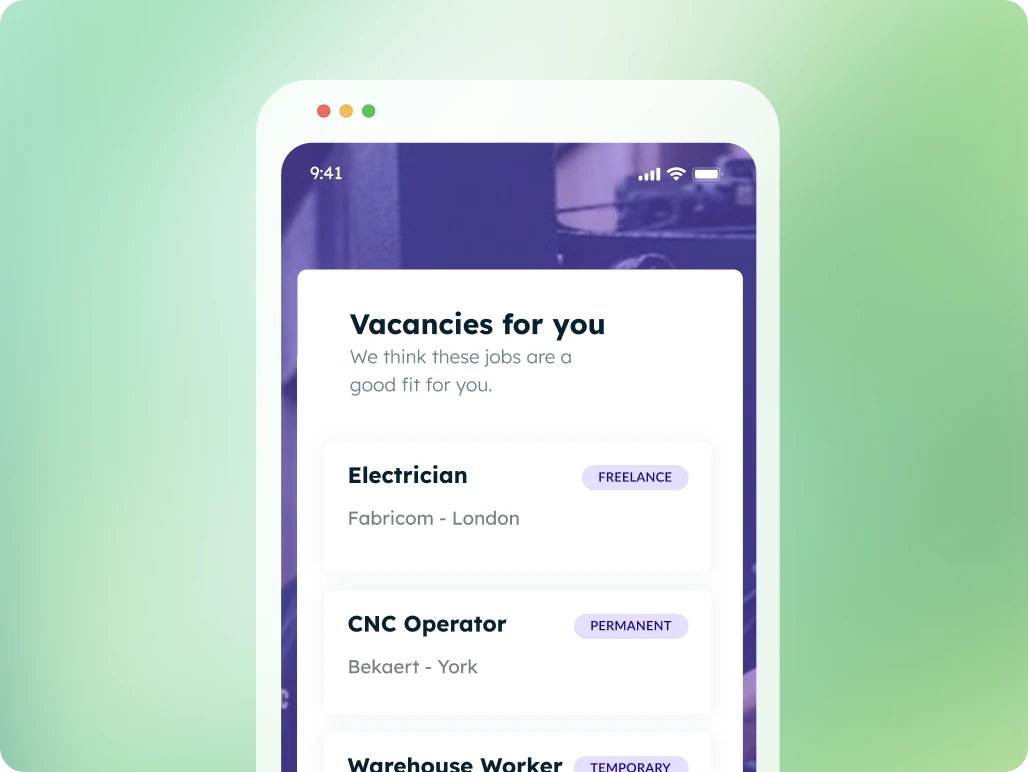
Job Presentation

Suggest tailored job openings, candidates apply with a single click
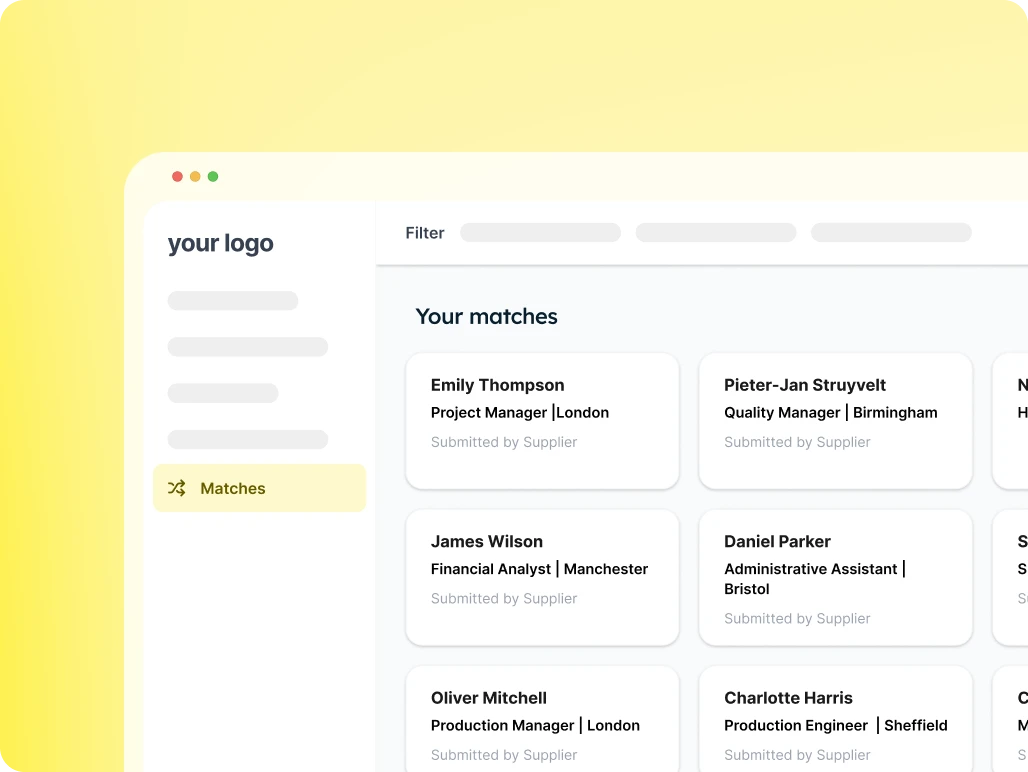
Candidate Presentation

Provide your client with an overview of suitable candidates for each vacancy and easily receive feedback.
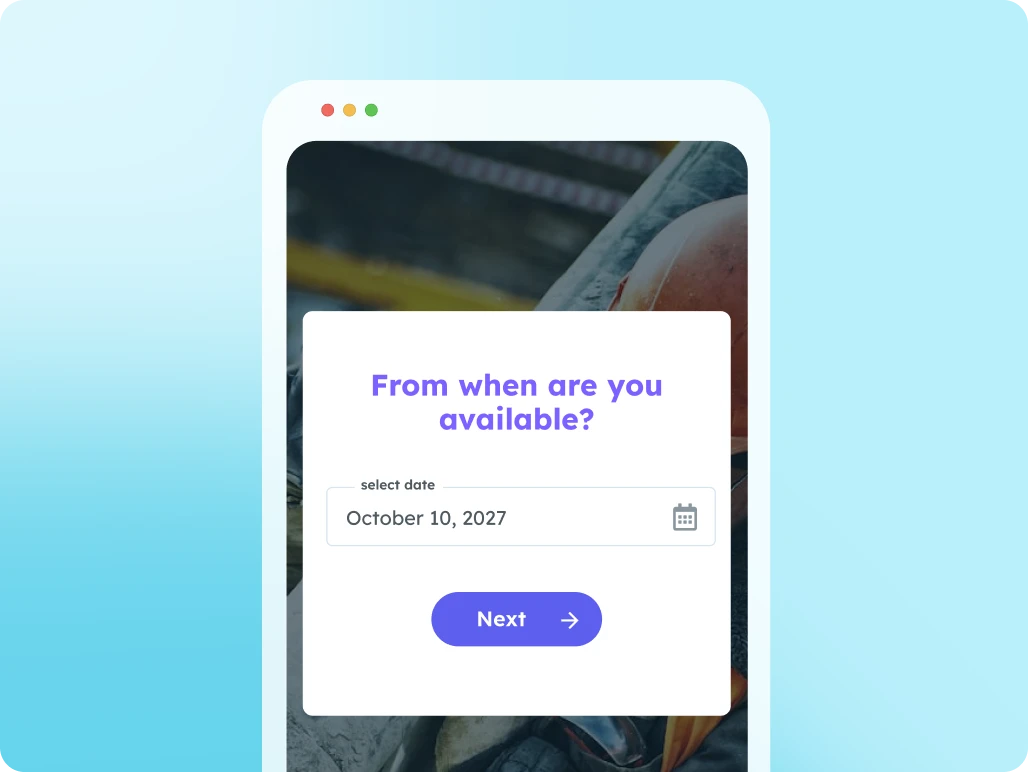
Availability Check

Use this page to let candidates submit their availability.

Supplier Portal

Work seamlessly with multiple suppliers at once: from sharing job openings to submitting candidates.
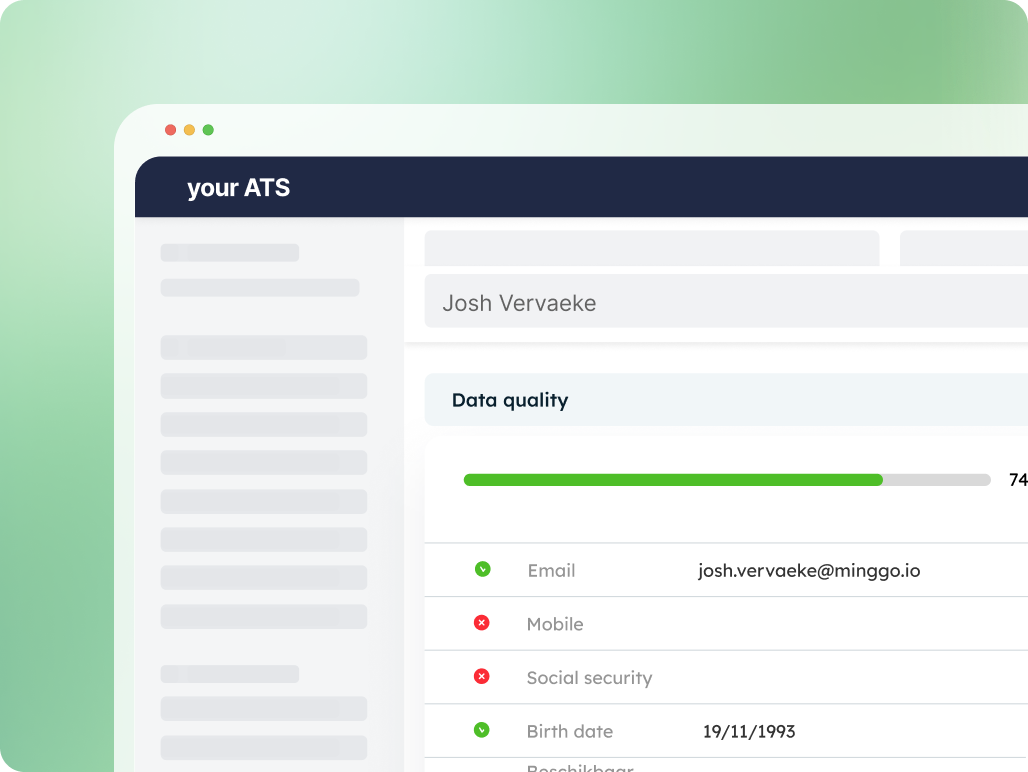
Data Quality Widget

Instant insight into the completeness of your data
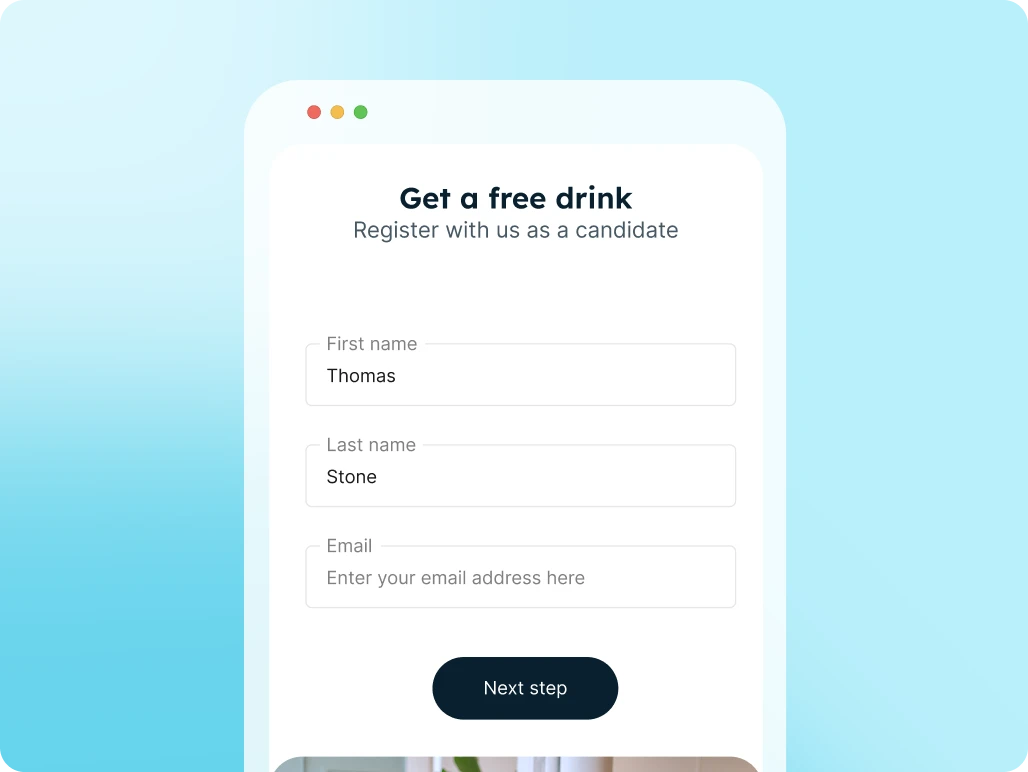
Registration Form

Candidates register themselves via a link or QR code and are immediately added to your ATS and talent pool.

FAQs

Minggo can do more than an FAQ can cover. Didn't find what you were looking for? Let us know!

Can a candidate indicate whether a vacancy is interesting?

Yes. Candidates can approve or decline vacancies or share their interest, so recruiters know faster what to act on.

Is the candidate's response fed back to the ATS?

Yes. Candidate input can be automatically synced with your ATS or connected systems, so recruiters immediately work with up-to-date information.

What does job presentation deliver?

You increase the relevance of your communication, activate candidates faster, and prevent recruiters from having to manually email or follow up on vacancies.

What is job presentation?

With job presentation you can show candidates vacancies automatically or in a targeted way, matched to their profile, availability, skills, or interests.

How does a candidate receive proposed vacancies?

This can be through a personal link, a candidate portal, or a digital flow where the candidate can view vacancies and indicate which roles are interesting.