


Candidates register themselves, directly into your ATS
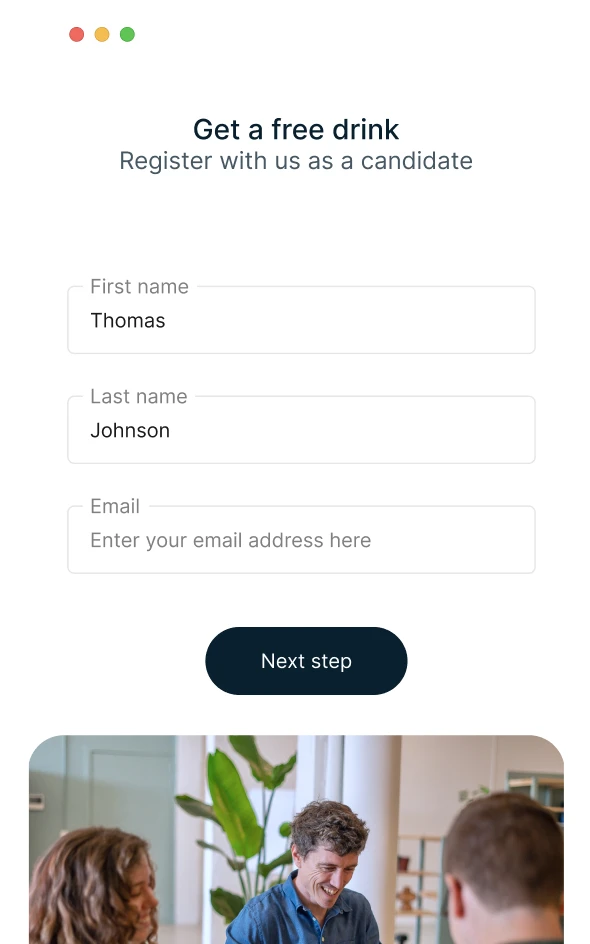
Let candidates register in two minutes, on any device
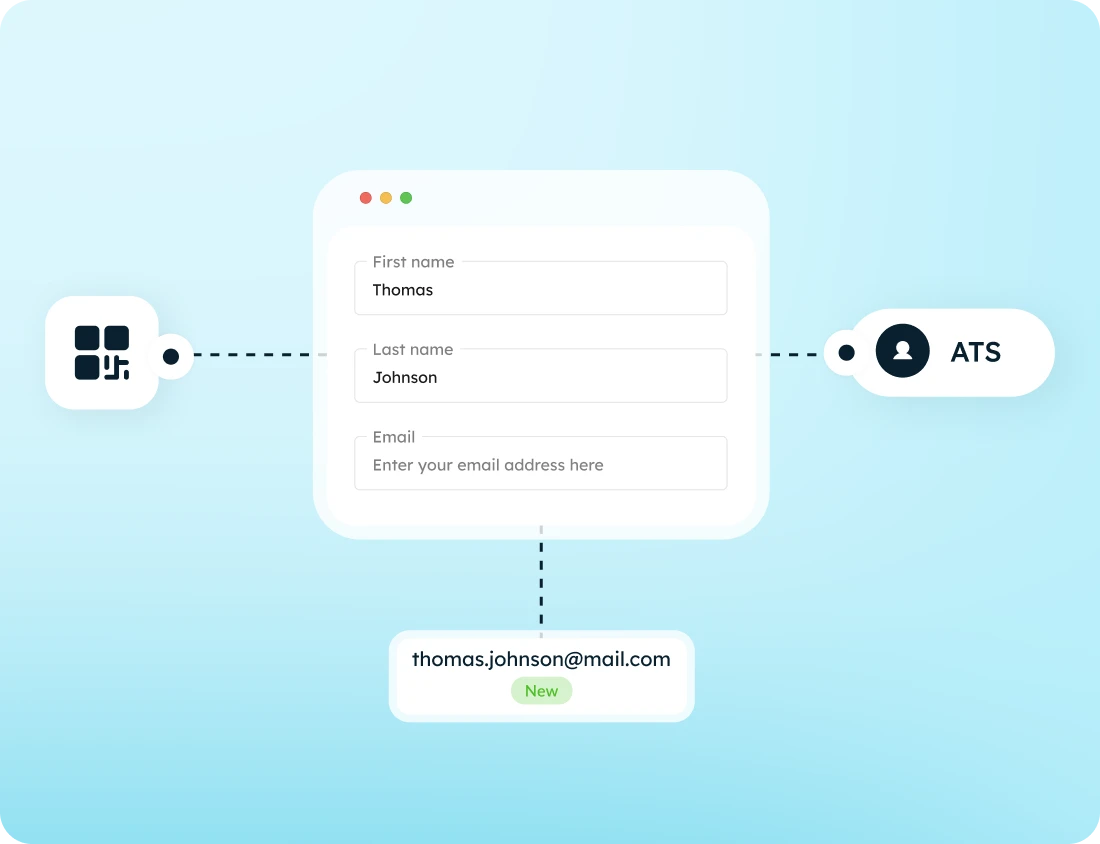

Share via link or QR code
Store data securely
Grow your talent pool instantly
From career fairs to unsolicited applications
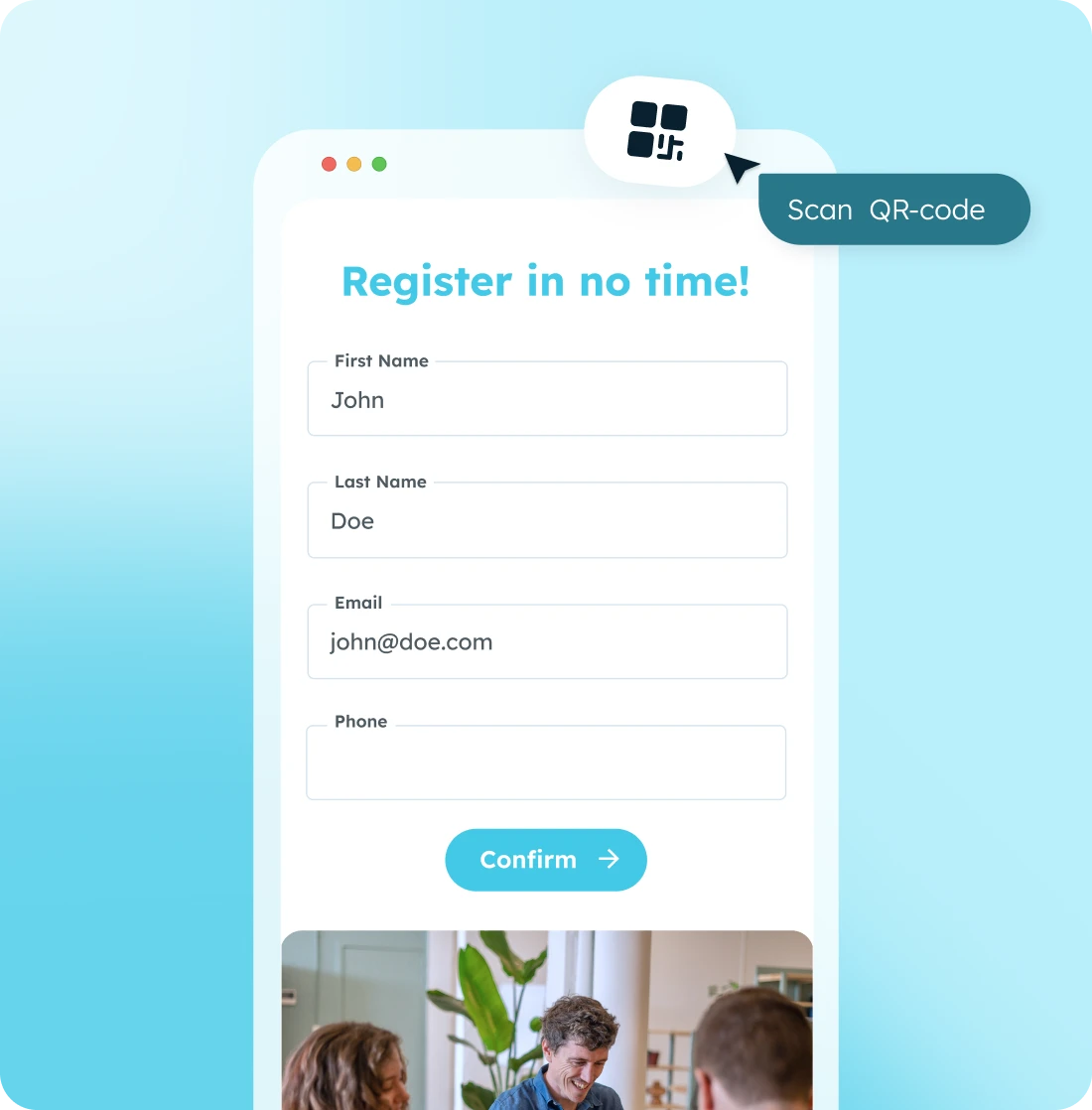
Deployable wherever candidates show up
Register candidates at a fair or event
Candidates scan the QR code at your booth and fill out the form on their phone in two minutes. It goes straight into your ATS: no lost business cards and no forms to retype the next day.
Capture open applications via your site
Can't find a suitable vacancy on your site? Visitors can use the registration form to express their interest, adding them directly to your talent pool for when the right role opens up.
Let clients register new employees themselves
Has your client already found someone themselves? They can simply send that person the registration link or have them scan the QR code. The new employee fills out the form, is automatically created in the ATS, and you take care of the rest.
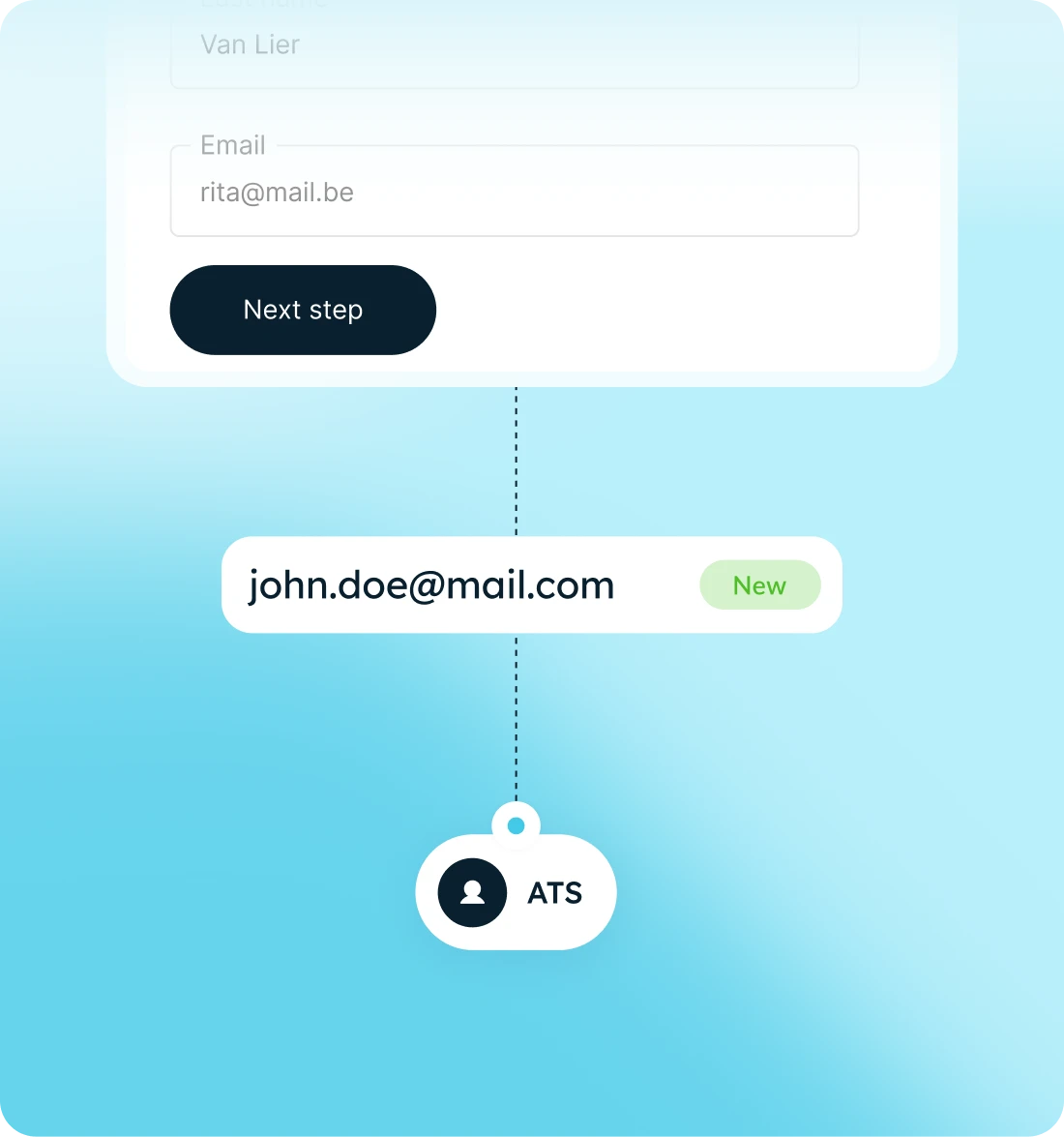
One form, connected directly to your ATS
- Digital form, shareable via link or QR code
- Automatically created or updated in your ATS
- Custom fields and content, easy to adjust
- Prebuilt app, easy to publish
- White-label, on desktop and mobile

From registration to talent pool in three steps
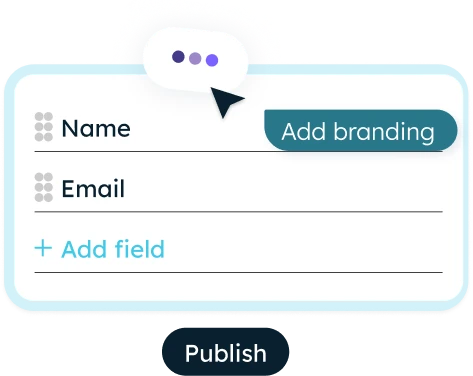
Personalize and publish your form
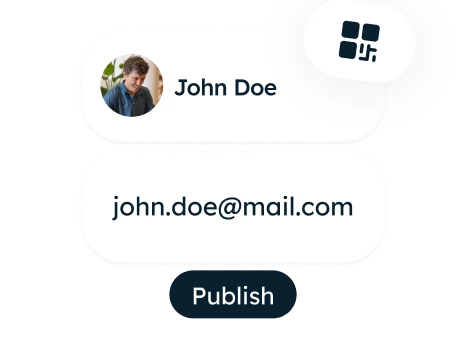
Candidates register

Automatically in your ATS
What you gain with the registration form

No manual entry
Talent pool grows automatically
Live in no time
Fully in your own brand identity
How our clients use the registration form
.jpeg)

How staffing agency Synergie save time on candidate intake
Get started right away with app templates
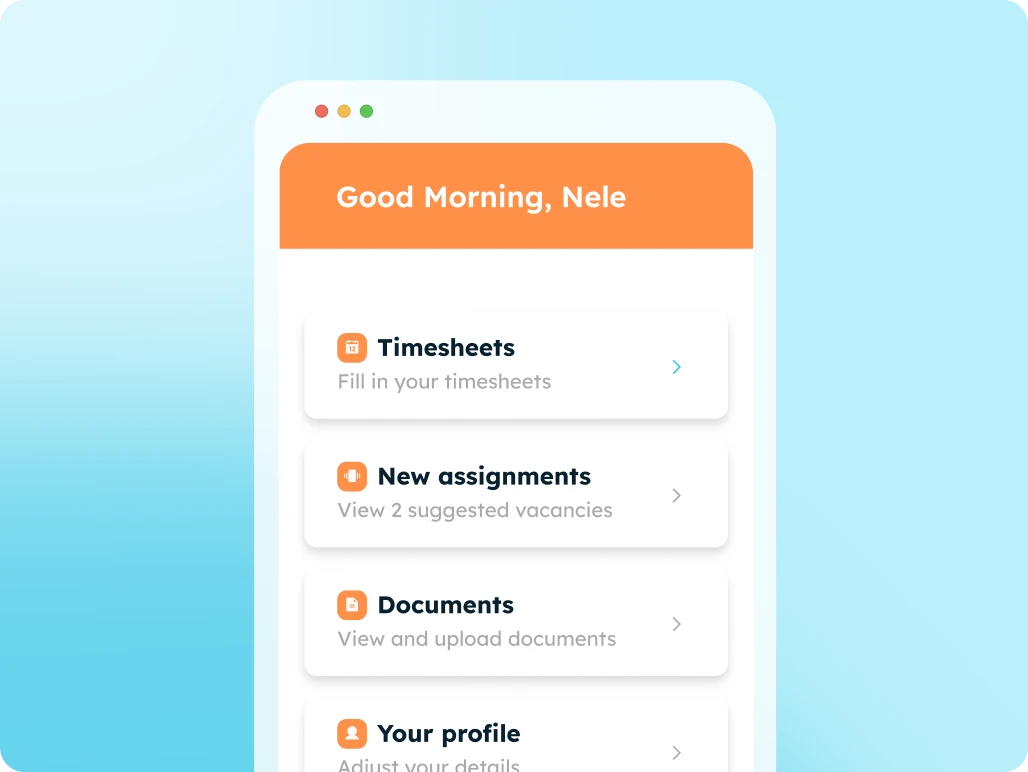
Digitize all your communication and administration with candidates using an all-in-one candidate portal.

High-converting job application pages with integrated forms, linked directly to your ATS.
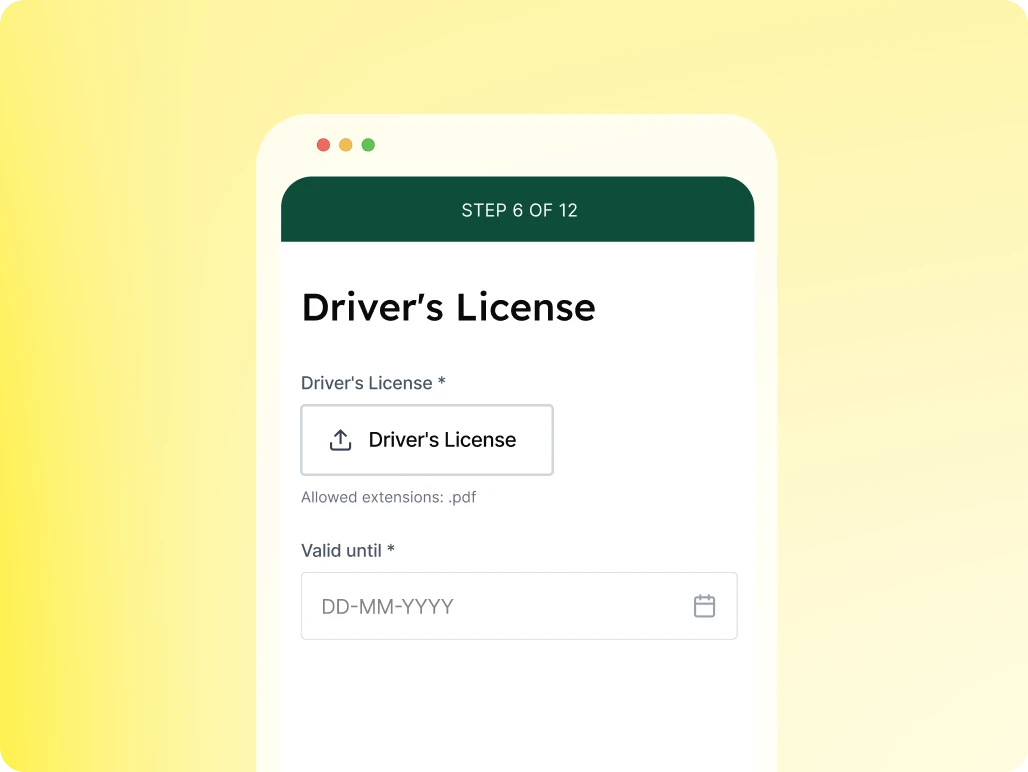
Automate specific questions for candidates to keep your database up to date.

Accelerate your communication and administration with an all-in-one client portal.
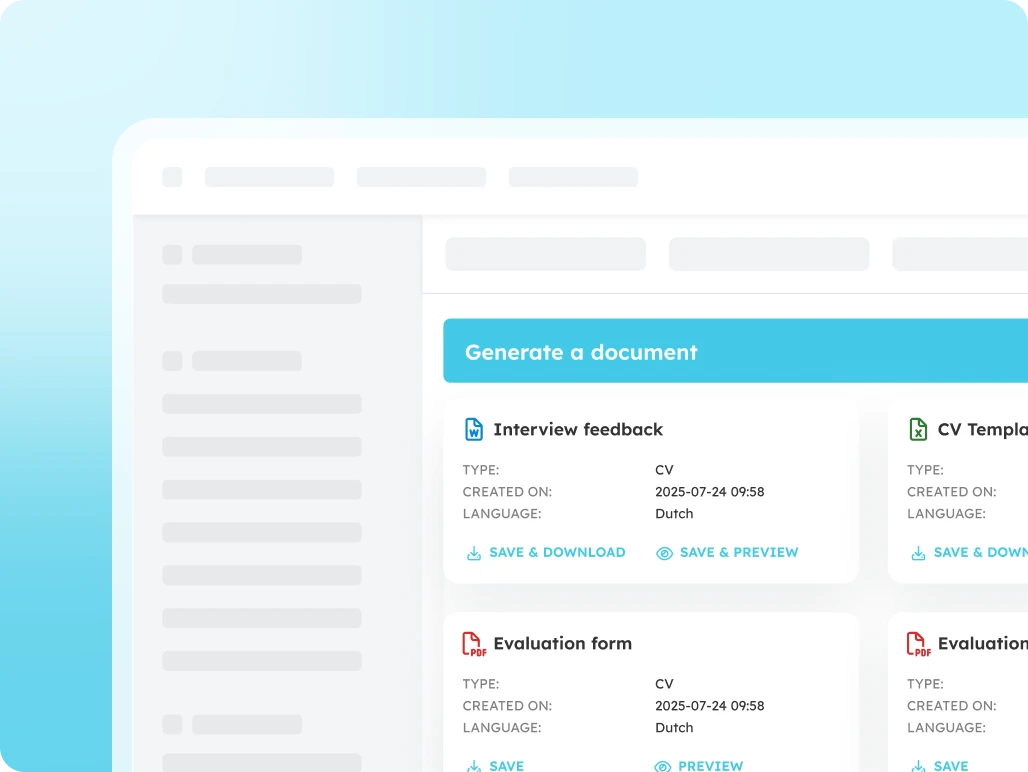
Generate error-free documents directly within your ATS.
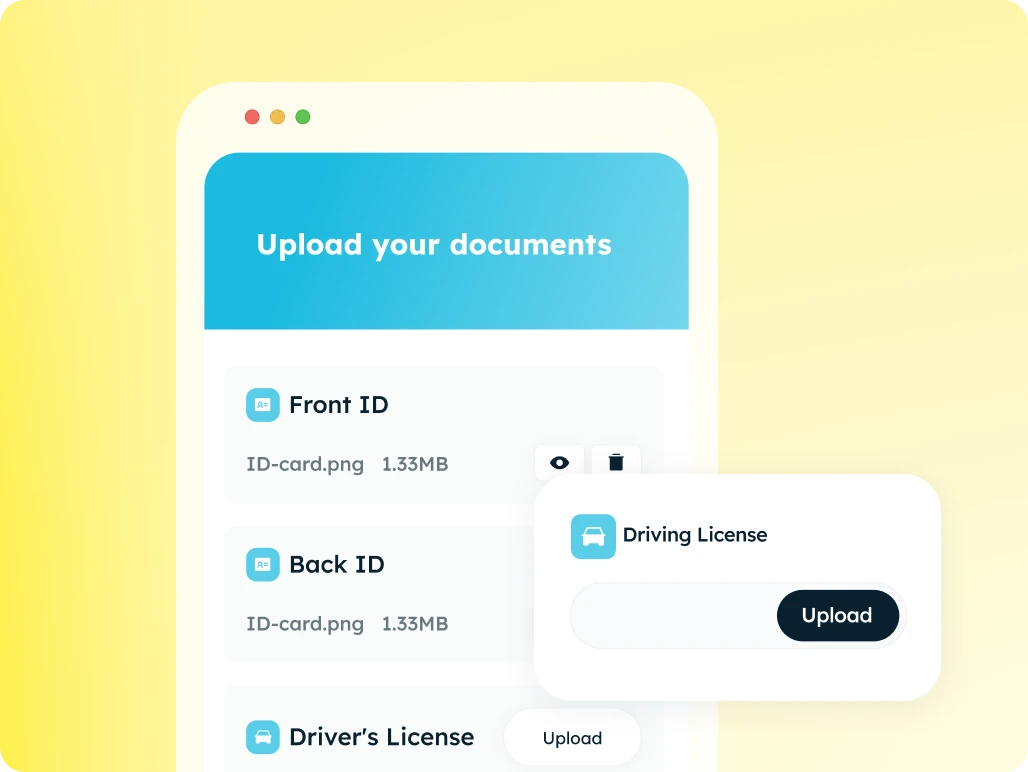
The fastest and most secure way to collect documents automatically.
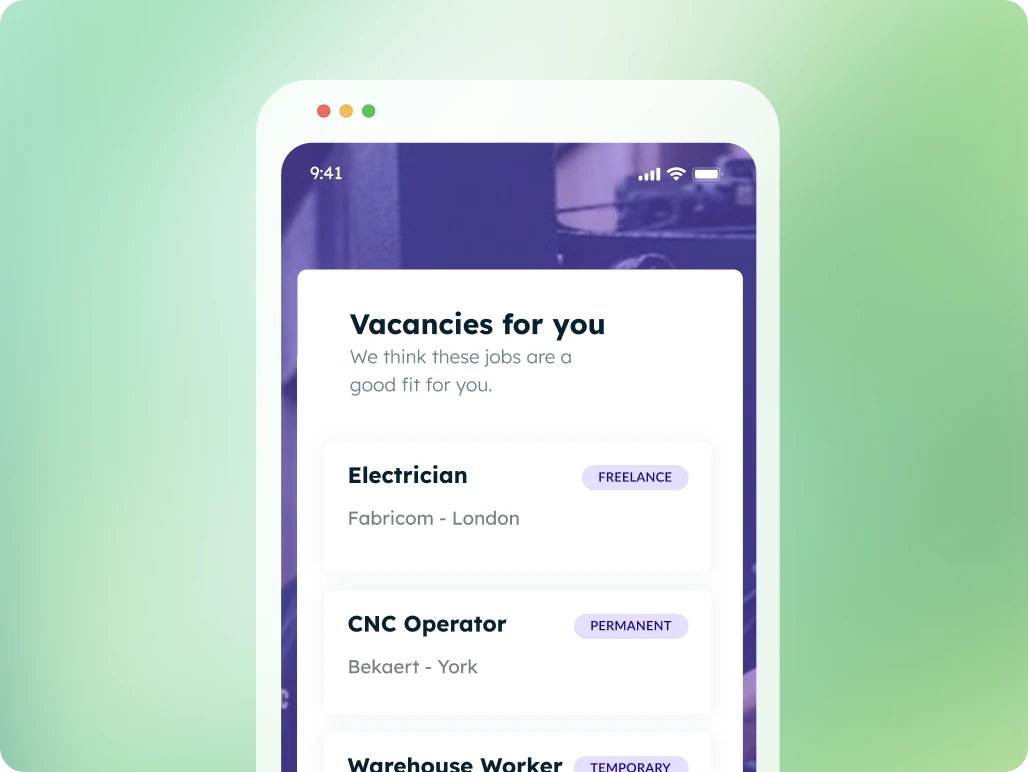
Suggest tailored job openings, candidates apply with a single click
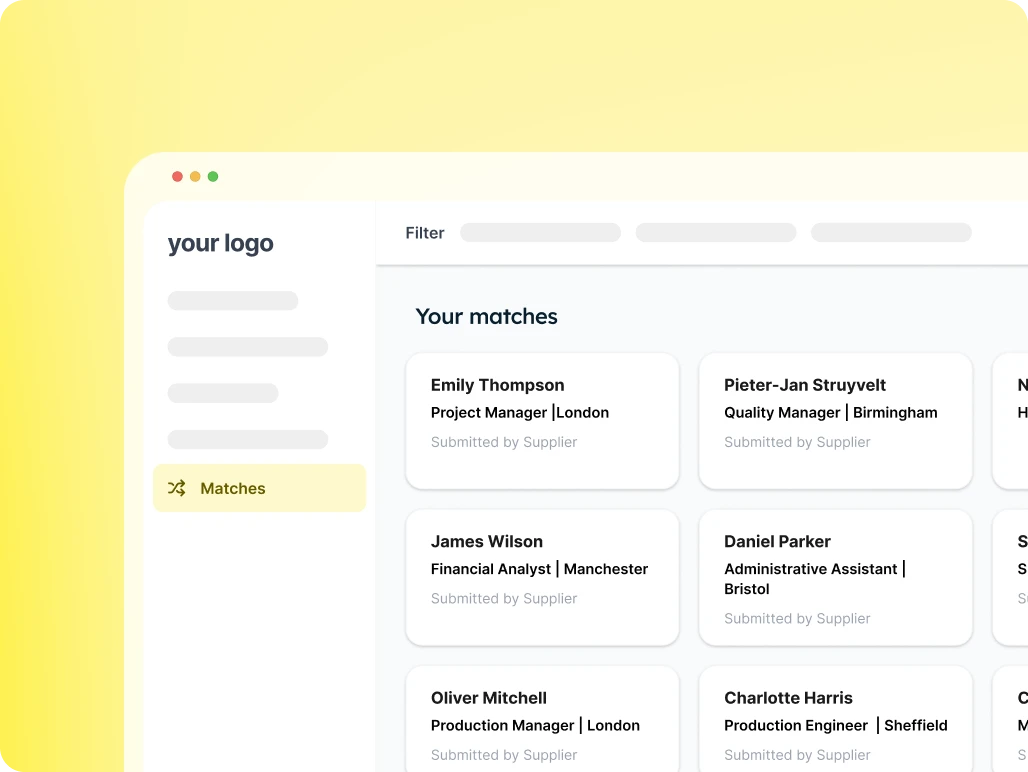
Provide your client with an overview of suitable candidates for each vacancy and easily receive feedback.
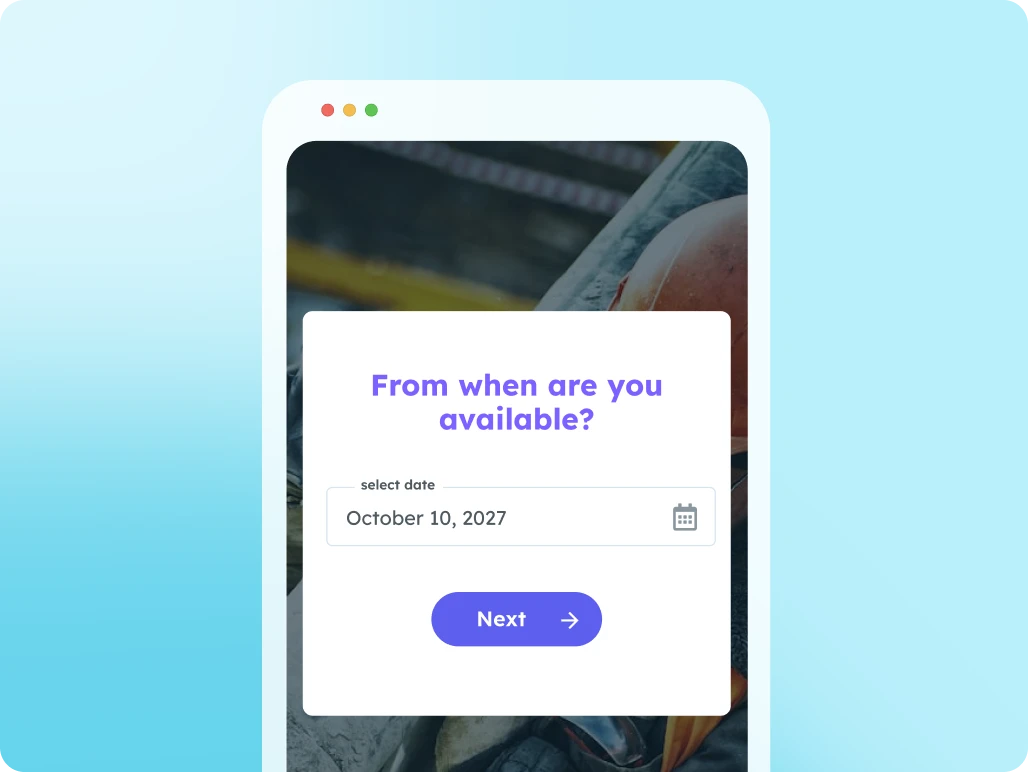
Use this page to let candidates submit their availability.
Work seamlessly with multiple suppliers at once: from sharing job openings to submitting candidates.
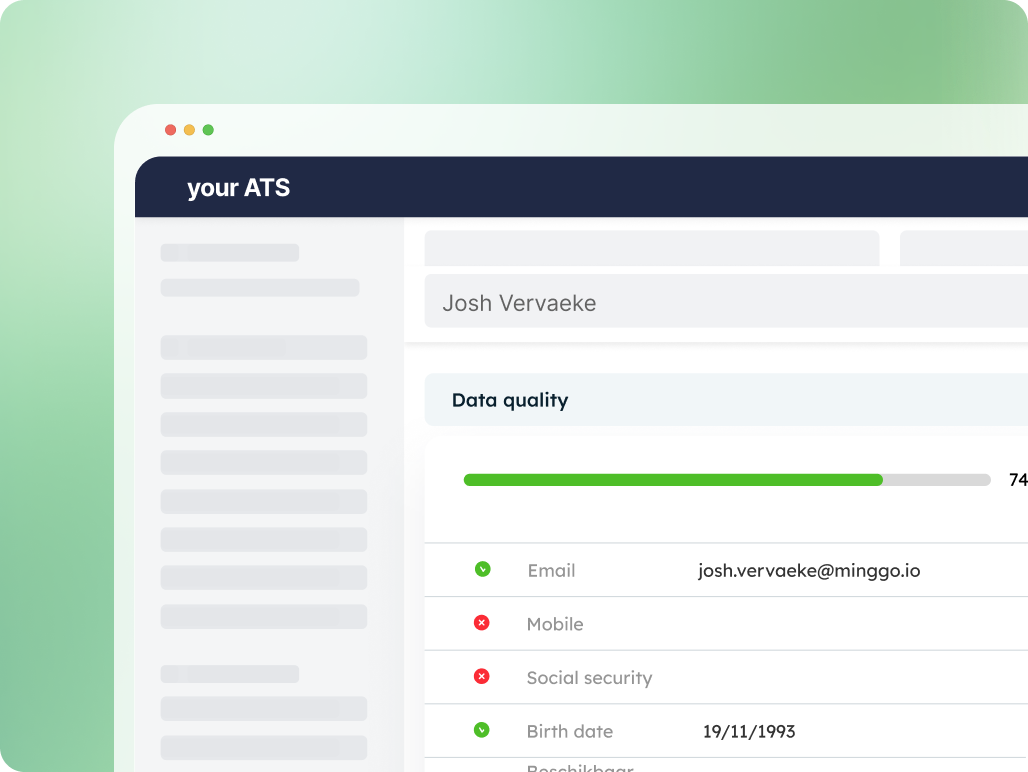
Instant insight into the completeness of your data
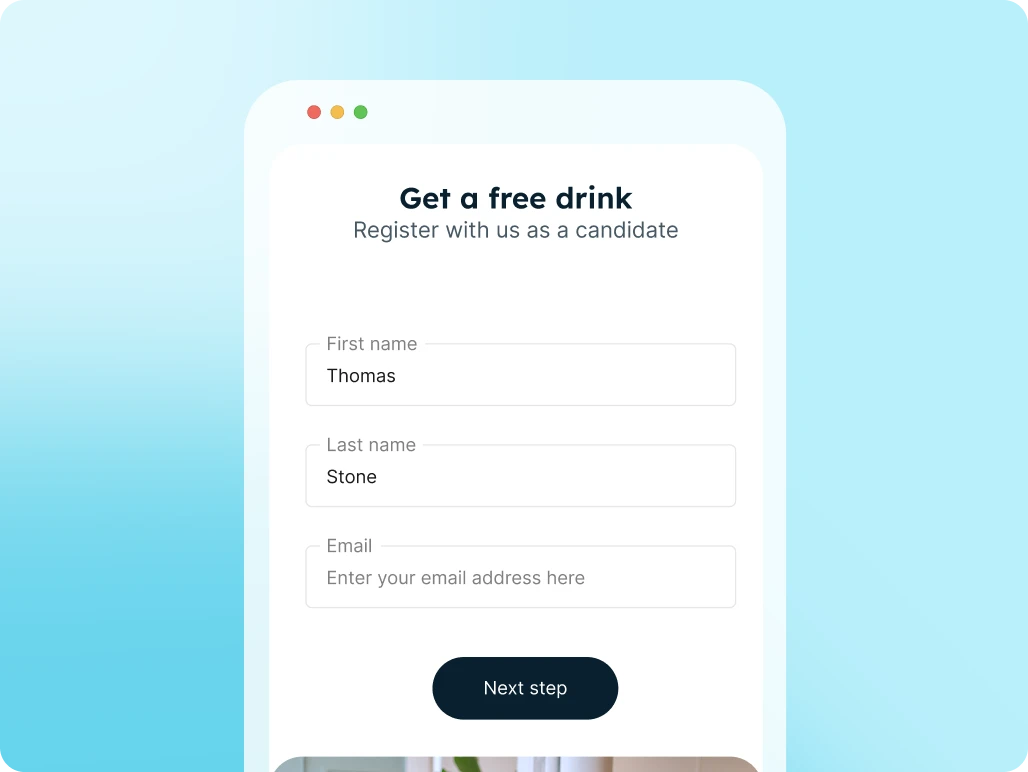
Candidates register themselves via a link or QR code and are immediately added to your ATS and talent pool.