


Integrate Easypay with your ATS
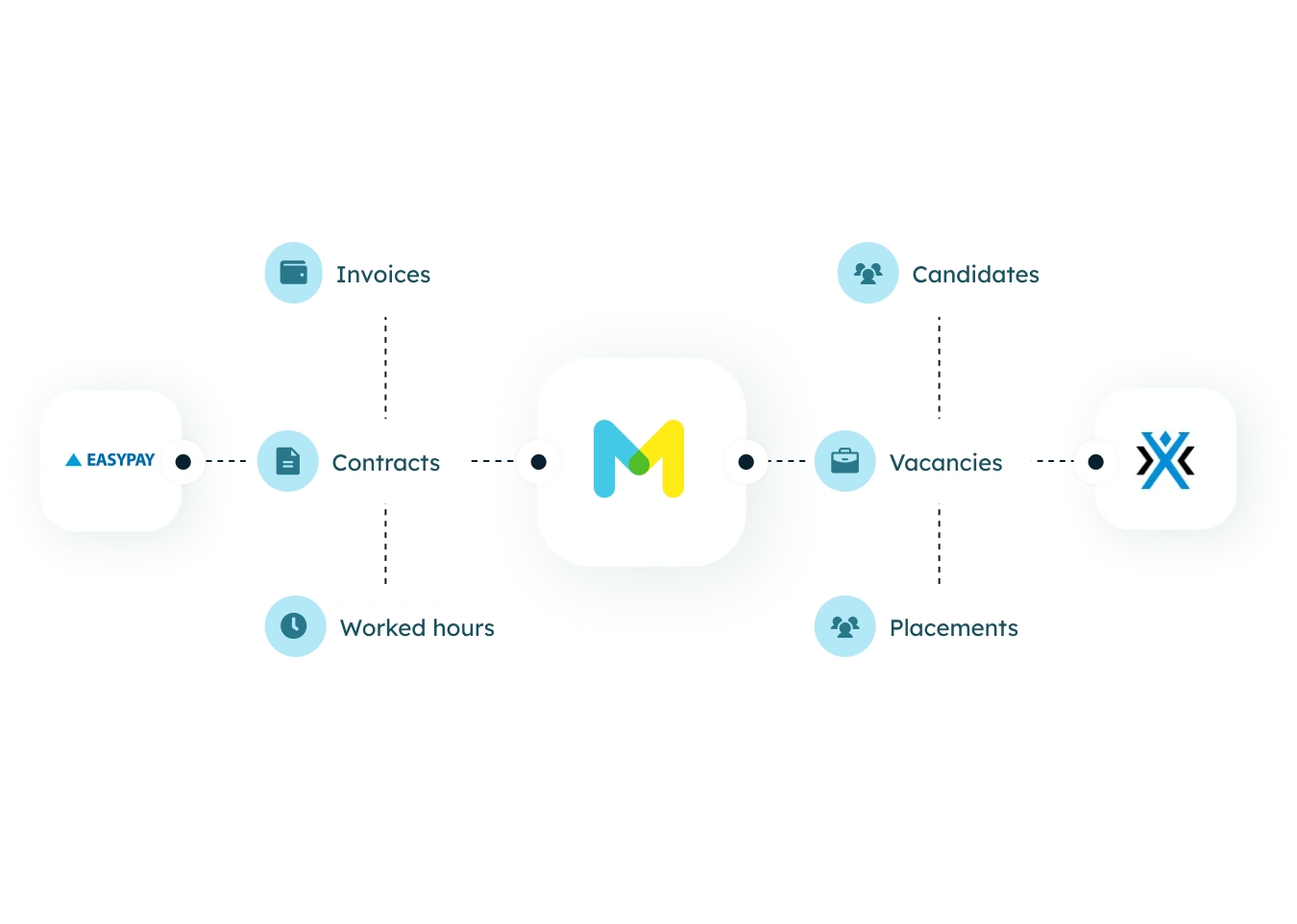
Use Minggo as an intermediary layer to automatically exchange payroll data.


.webp)
.png)
other
Creditsafe
.png)
HRMS
Officient
.png)
Payroll
Partena Professional
Payroll
BrightStaffing
Payroll
Easypay

Midoffice
bookU

ATS
Bullhorn Recruitment Cloud
.png)
ATS
Connexys by Bullhorn
ATS
Byner

ATS
Bullhorn

Midoffice
Exact
.png)
Midoffice
AFAS
.png)
HRMS
Workday
.png)
HRMS
GAP Informatique
other
Le forem
.png)
other
VDAB
other
KVK
other
Mysolution

Midoffice
Beeple

other
The MatchBox

Payroll
Prato

ATS
Carerix
Integraties
Connect Easypay via Minggo with your ATS
Use Minggo as an intermediary layer to connect Easypay to your systems. This allows data to be exchanged automatically between both systems.


Current tool + Carerix
Synchronise payroll and employee data between Easypay and Carerix.
Category
Current tool + Bullhorn
Synchronise payroll and employee data between Easypay and Bullhorn.
Category
Current tool + Bullhorn Recruitment Cloud
Synchronise payroll and employee data between Easypay and Bullhorn Recruitment Cloud.
Category
Current tool + Connexys by Bullhorn
Synchronise payroll and employee data between Easypay and Connexys by Bullhorn
Category
Current tool + Beeple
Synchronise performance and employee data between Easypay and Beeple.
Category
Current tool + Brightstaffing
Synchronise payroll and employee data between Easypay and Brightstaffing.
Category
Current tool + BookU
Keep appointments, candidates, and placements automatically synchronized with BookU.
Category
Current tool + Officient
Keep employee and payroll data automatically synchronized between Easypay and Officient.
Category
Current tool + Gap Informatique
Synchronize data between GAP Informatique and Easypay.
Category
No results found.
Try a different filter.
Meet Minggo
Create an end-to-end experience that works flawlessly
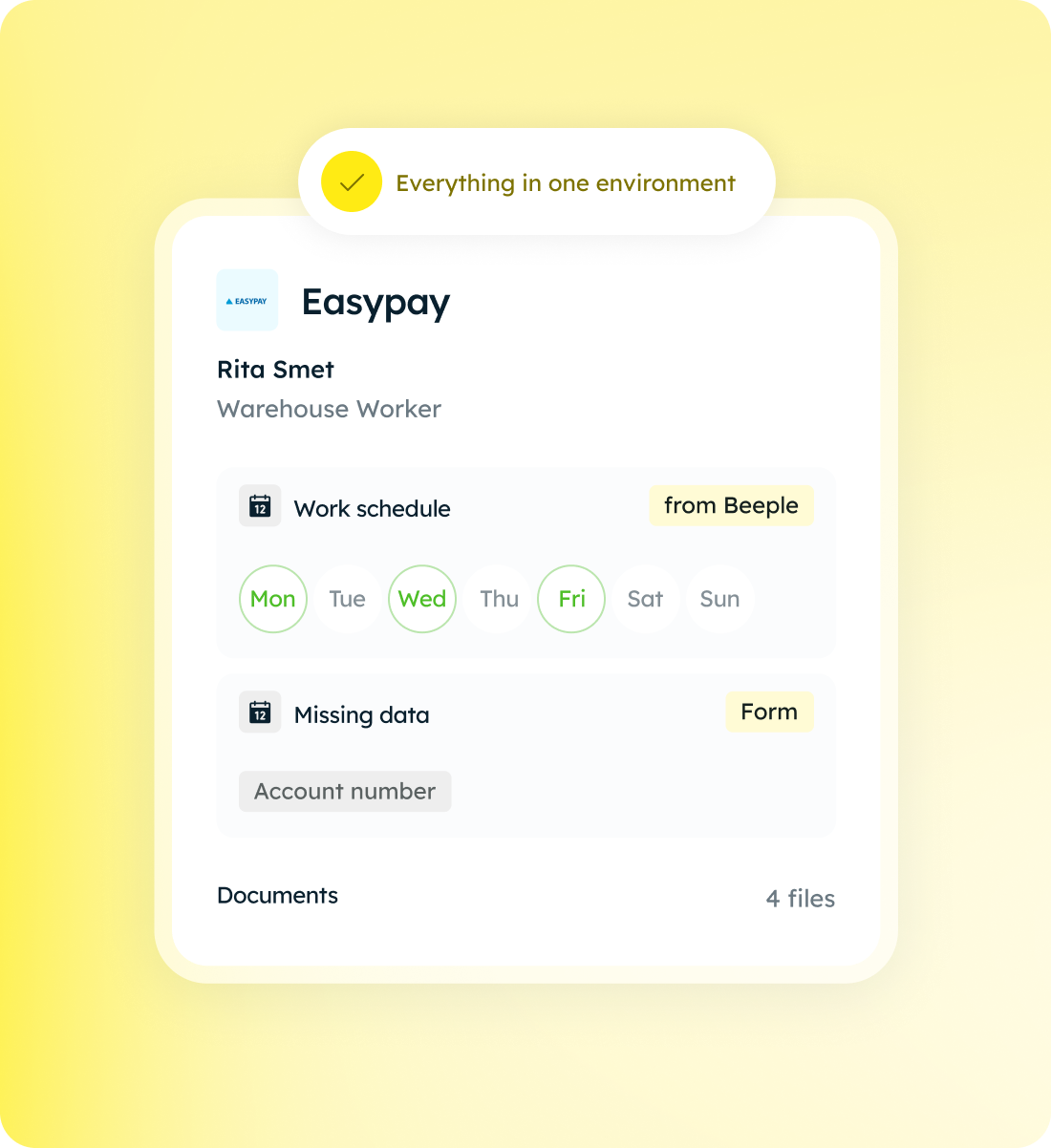
Bring fields and functionalities from one tool to another. Your employees work in a single environment, without switching between systems.
- Get your data where you need it
- Avoid manual work or errors
- Easily request missing data via (embedded) forms
Typically Minggo
150+ customers bring their ideas to life with Minggo
Minggo scales with your ambitions, from startup to enterprise.

Automate endlessly
Build your own automations with the visual process builder. Combine data and actions from multiple tools into a single flow, from a simple sync to complex, branched processes.

You set the pace
Choose when data flows: with every change, at a set time, or only when someone clicks the button. You don't need to know how to code to set up each integration individually.

One system, different perspectives
Choose when data flows: with every change, at a set time, or only when someone clicks the button. You don't need to know how to code to set up each integration individually.